PDF Privacy & Productivity
Effortlessly Convert Excel to PDF with Our Free Online Converter
Quick answer
Here are the main points to remember about using our free online Excel to PDF converter: Key Takeaways You can convert Excel files to PDF online for free, without needing to download any software. The converter keeps your spreadsheet's formatting, including tables and charts, looking just right. The process is straightforward: upload your file, convert,…
Here are the main points to remember about using our free online Excel to PDF converter:
Key Takeaways
- You can convert Excel files to PDF online for free, without needing to download any software.
- The converter keeps your spreadsheet's formatting, including tables and charts, looking just right.
- The process is straightforward: upload your file, convert, and download the PDF.
- Your files are processed directly in your browser, meaning they never get sent to a server, keeping them private.
- It works on any device with a web browser, making it convenient wherever you are.
Effortlessly Convert Excel to PDF Online
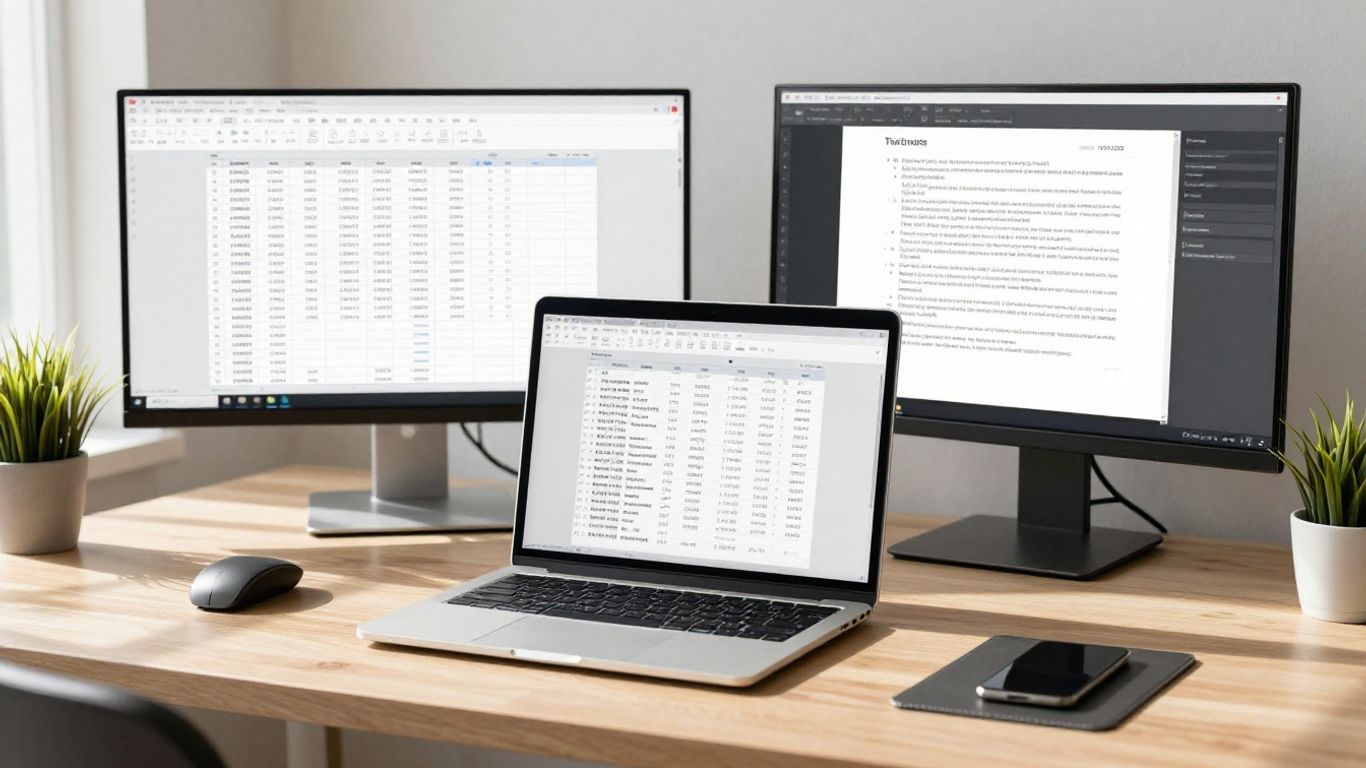
Fast and Free Excel to PDF Conversion
Dealing with spreadsheets can sometimes feel like a chore, especially when you need to share them with others who might not have Excel. That's where converting your Excel files to PDF comes in handy. It's a great way to make sure everyone sees your data exactly as you intended, no matter what software they're using. Our tool makes this process super quick and, best of all, it's completely free. You can take an XLS or XLSX file and turn it into a PDF in just a few seconds. No need to worry about hidden costs or limits for everyday use.
Preserve Spreadsheet Formatting
One of the biggest headaches when converting files is losing all your hard work on formatting. You spend ages getting your tables just right, adding colors, and maybe even some charts, only for it to look completely jumbled in the new format. We get it. That's why our converter focuses on keeping your spreadsheet's appearance intact. It works hard to make sure tables, text, and even charts look just like they did in the original Excel file. This means your professional reports and presentations will look polished and accurate every time.
No Downloads or Hassle Required
Forget about downloading clunky software or signing up for complicated accounts. Our Excel to PDF converter is entirely online. You just need a web browser and an internet connection. You can upload your file directly from your computer or device, convert it, and download the PDF. It's that simple. This makes it super convenient, whether you're at home, at work, or on the go. You can even find other useful tools online, like ways to convert PDF to Excel if you ever need to go the other way.
Converting files shouldn't be a barrier to sharing information. The goal is to make things easier, not add more steps. An online tool that just works, without fuss, is the way to go for most people these days.
How Our Excel to PDF Converter Works
Getting your spreadsheets from Excel into a PDF format is surprisingly straightforward with our tool. You don't need to be a tech wizard or spend ages figuring things out. It's designed to be simple, so anyone can use it without a second thought.
Upload Your Excel File
First things first, you need to get your Excel file into our system. You can do this in a couple of ways. The most common is to simply click the "Choose File" button and select the spreadsheet from wherever you've saved it on your computer. Alternatively, if you've got the file open, you can just drag and drop it right into the designated area on the webpage. It's that easy to upload your Excel file.
Initiate the Conversion Process
Once your file is uploaded, you're pretty much done with the setup. Just look for the "Convert" button. Give that a click, and our system takes over. It works behind the scenes to transform your spreadsheet data into a PDF document. This part happens really fast, usually in just a few seconds, depending on the size of your file.
Download Your PDF Document
After the conversion is finished, the magic is complete. In most cases, the PDF file will start downloading automatically to your computer. If for some reason it doesn't, there's always a "Download" button you can click. Then you can save the PDF wherever you like, ready to be shared or printed.
The whole process is built around speed and simplicity. We wanted to make sure that converting your documents doesn't add any extra stress to your day. Just upload, convert, and download – that's it.
Key Features of Our Excel to PDF Converter
User-Friendly Interface
We designed this tool to be super simple. You don't need to be a tech wizard to use it. Just upload your Excel file, and the converter does the rest. It's straightforward, with no confusing options or complicated steps. Think of it like sending an email – easy peasy.
Cross-Device Compatibility
Whether you're on your desktop computer, a tablet, or even your phone, our converter works. You can access it from any device with an internet connection. This means you can convert your spreadsheets to PDF wherever you are, whenever you need to. It's great for when you're on the go and need to get a report ready.
Secure File Handling
We take your file security seriously. When you upload your Excel documents, they are handled with care. Your files are only on our servers for the conversion process and are then deleted. You can trust that your sensitive data stays private. We use SSL secured file transfer to keep things safe during upload.
We understand that sometimes you need to convert files quickly without any fuss. That's why we've made sure our tool is accessible from any browser on any operating system. No downloads, no installations, just pure conversion power at your fingertips.
Maintaining Your Spreadsheet's Integrity
When you convert an Excel file to a PDF, the last thing you want is for your carefully arranged data to turn into a jumbled mess. We get it. That's why our tool focuses on keeping your spreadsheet's appearance just as you intended. We aim to make the conversion process as faithful to the original as possible.
Accurate Formatting Preservation
It's not just about getting the numbers from one format to another. It's about making sure the fonts, colors, cell borders, and general layout stay put. Think about those reports you send out – they need to look professional, right? Our converter works hard to replicate that look in the PDF. You won't have to spend extra time fixing things after the conversion.
Keeping Tables and Charts Intact
Spreadsheets often contain more than just rows and columns of data. You might have tables with specific styling or charts that visually represent your information. Our tool is designed to handle these elements. Tables will appear as tables, and charts will look like charts, not just a collection of random shapes. This is super helpful when you're sharing information that relies on visual aids. For instance, a teacher sharing lesson materials can be confident that all data tables and charts remain perfectly clear for students.
Ensuring Formulas Remain Unchanged
While the PDF format itself doesn't execute formulas like Excel does, it's important that the underlying data used by those formulas is correctly represented. Our converter makes sure that the values displayed in your spreadsheet are accurately transferred. If you're sending a report that clients need to review, they'll see the correct figures that your formulas produced. It's like taking a snapshot of your data at a specific point in time. You can use this tool to convert Excel to PDF without Adobe, keeping all your data intact.
Converting your Excel files to PDF shouldn't mean sacrificing the visual structure you worked hard to create. Our goal is to provide a conversion that respects your original layout, making your documents look good and easy to understand, no matter who is viewing them.
Why Choose Our Online Excel to PDF Tool
So, you've got an Excel file and need it as a PDF. Maybe you're sending a report to a client, sharing a budget with your team, or just need a static version of your spreadsheet. You've got options, sure, but why pick this tool? Well, for starters, it's just plain easy to use. No complicated software to install, no confusing menus. You upload your file, click a button, and get your PDF back. It's that simple.
The Best Excel to PDF Converter
We aim to be the go-to for anyone needing to convert Excel to PDF. It's not just about speed, though it is fast. It's about reliability. We focus on making sure your spreadsheet looks just like you intended in the PDF. Think of it like this: you wouldn't want your carefully crafted tables and charts to get all jumbled up, right? We work hard to prevent that. Our goal is to make this conversion process so smooth, you won't even think twice about it.
Convert Excel to PDF Without Adobe
Adobe is great for many things, but sometimes you just need a quick conversion without firing up a big program. Our tool lets you do just that, right in your web browser. You don't need any special software installed on your computer. This means you can convert files from pretty much any device – your laptop, your tablet, even your phone. It's all about convenience and accessibility, giving you the freedom to convert whenever and wherever you need to. This is a big plus if you're often on the go or don't have specific software loaded on your machine. You can get your Excel files into PDF format without any fuss.
Seamless Conversion for All Users
Whether you're a seasoned pro or just starting out, this tool is built for you. We've kept the interface clean and straightforward. You don't need to be a tech wizard to figure it out. The process generally involves these simple steps:
- Upload your Excel file: Just drag and drop or select it from your computer.
- Start the conversion: Hit the 'Convert' button.
- Download your PDF: Grab your newly created PDF file.
It's designed to be a no-brainer, saving you time and hassle. We handle the technical bits so you can focus on your actual work. It's a pretty neat way to handle your documents, especially when you need to share them with others who might not have Excel installed. You can even convert PDFs back to Excel if needed, though that's a different process.
We understand that sometimes you just need a file to be a file. You don't want to jump through hoops or learn a new system. Our tool is here to bridge that gap, turning your spreadsheets into universally compatible PDFs without any fuss.
Advanced Options for Excel to PDF Conversion
Fit All Columns on One Page
Sometimes, your Excel spreadsheets are wider than a standard page, making them hard to read when converted to PDF. Our tool has a neat trick for this. You can tell it to shrink everything down so all your columns fit neatly onto a single page. This is super handy for reports or budgets where seeing everything side-by-side is important. No more awkward page breaks cutting off your data!
Convert Specific Sheets or Entire Workbook
Not every conversion needs the whole shebang. Maybe you only need to share one specific sheet from a large workbook. Our converter lets you pick and choose. You can select just the active sheet, a few specific ones, or go ahead and convert the entire workbook into one big PDF document. This gives you a lot of control over what ends up in your final PDF file.
Optimize PDF for Long-Term Archiving
If you're converting files that need to be stored for a long time, like legal documents or historical records, you'll want them to be in a format that lasts. We can help optimize your PDFs for long-term archiving. This means making sure the file size is reasonable and that the text remains searchable and selectable for years to come. It’s about making sure your data is accessible way down the line. You can even convert PDFs to editable Word documents if you need to make changes later.
When you're dealing with important spreadsheets, having options makes a big difference. It's not just about getting a PDF; it's about getting the right PDF for your needs. Whether that's fitting wide tables onto one page or making sure your files are ready for the future, these advanced settings help a lot.
Conclusion
So, there you have it. Converting your Excel files to PDF doesn't need to be a headache. Our online tool makes it super simple to get the job done right from your browser. It's quick, it keeps your formatting looking good, and best of all, your files stay private because they never leave your computer. Give it a try next time you need to share a spreadsheet!
Frequently Asked Questions
Is this convert excel to pdf converter really free?
Yep, it's totally free to use! You don't need to pay anything or sign up for an account to convert your Excel files into PDFs.
Do I need to install anything to use this tool?
Nope, absolutely not. Since it's an online tool, you just need a web browser and an internet connection. No downloads or installations are required, which is pretty handy.
Will my Excel formatting look the same in the PDF?
For the most part, yes! The converter does a good job of keeping your tables, text, and basic formatting the same when it changes your Excel file to a PDF. It tries its best to make it look just like the original.
Is it safe to convert my files online?
Our tool is built with your privacy in mind. Your files are processed right in your browser and never sent to our servers. This means your data stays on your computer, which is a big plus for sensitive documents.
What types of Excel files can I convert?
You can convert common Excel file types like .xls and .xlsx. Basically, if it's a standard Excel spreadsheet, this tool should handle it just fine.
Can I convert just one sheet or the whole Excel workbook?
This tool focuses on converting the entire workbook or active sheet into a single PDF. If you need to convert specific sheets separately, you might need to save them as individual files first, or use a more advanced PDF program.